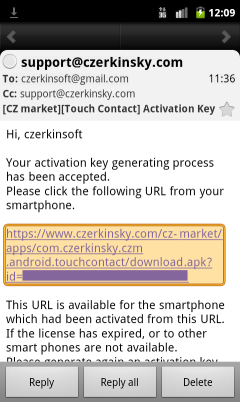
Click the URL link in email from your smartphone to download app.
Select a Browser app if popupped a app selection window. If popupped a selection for Touch Contact, you don't need to below operations, and please refer to Activate App.
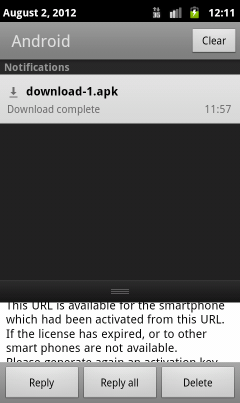
Slide down the notifications bar.
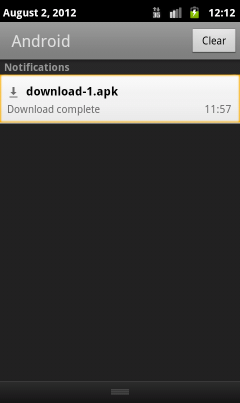
Please wait for download complete.
Tap the notification after download complete to install.
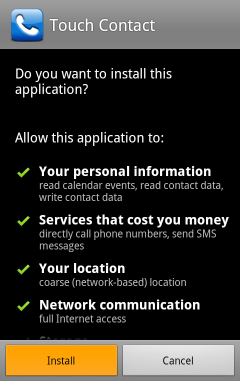
Tap the "Install" button.
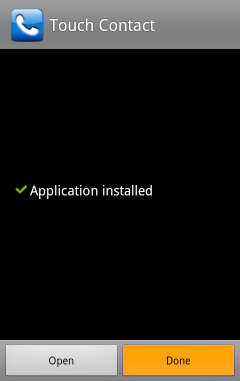
App installation has completed.
Please tap the "Done". The app cannot launch even if tap the "Open" button, because the app has not been activated.