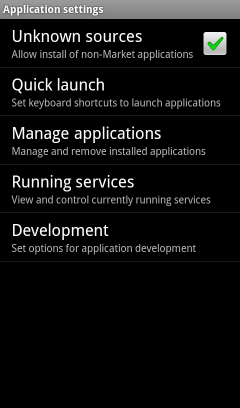
Allow installation of non-Market apps
It need to allow installation of non-Market apps.
This settings need a during installation of app. You can turn off the settings after installation.
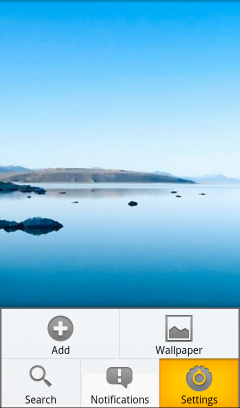
Show the settings menu.
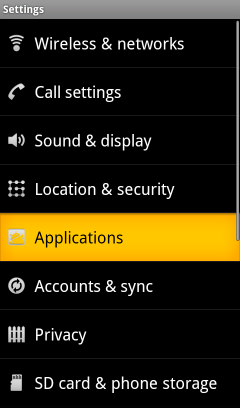
Show the Applications menu if your device is Android 2.1 - 3.x.
Show the Security menu if Android 4.0 or later.
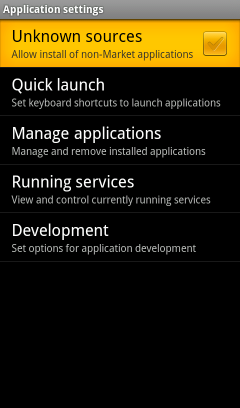
Turn ON the checkbox of "Unknown sources".
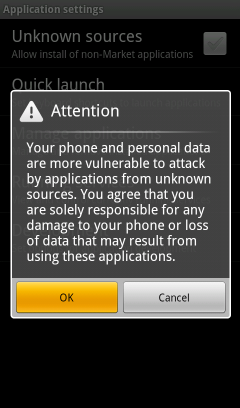
Tap the OK button.
Confirm the whether checkbox of "Unknown sources" is ON.