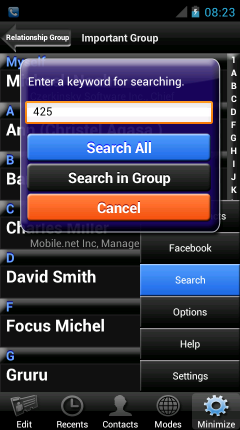
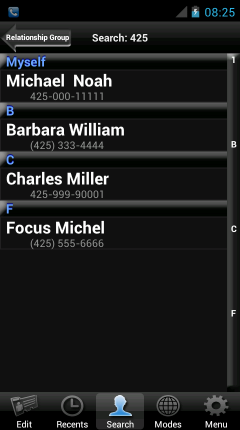
Search by keyword
- This can search a contacts by keyword from the contact data below.
- Contacts name (First name, Last name, Nickname, etc).
- Phone number (SMS, MMS, Fax).
- Mail address.
- Chat address (Skype, Yahoo messenger, Viber, etc).
- Web URL.
- Organization name (Company name, Office Location, Department, Title, Job Description).
- Postal address.
- Event (Birthday, Anniversary, etc).
- Relations name (Father, Mother, etc).
- Notes.
- Sip address.
- SNS (Facebook, Twitter, Mixi).
- Custom Fields.
|
|
|
|
|
|
|
|
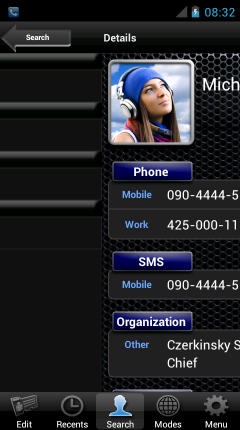
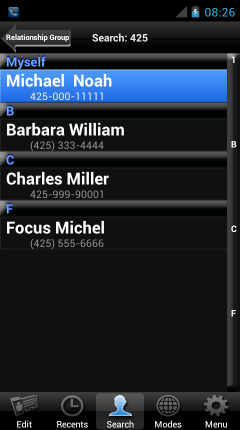
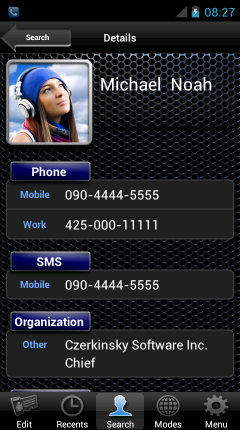
- The search results will not be canceled even if back from details screen.
- The search results will be canceled by the following procedure.
- Run apps in details screen. For example, phone call, e-mail, etc.
- Move to Groups screen.
- Move to Recents screen.
- Move to Modes screen.
- Press a BACK key.
- Contacts has been updated.