Missed Call Notification


  • Touch Contact can removes the Missed Call Notification for Android 2.3.
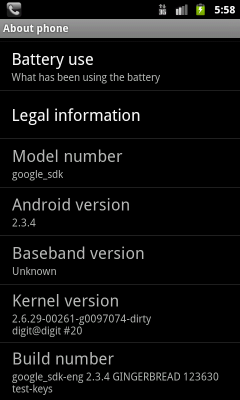
  • This section describes using the emulator for Android 2.3.4.
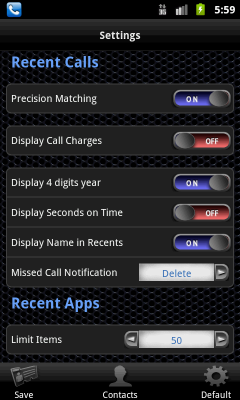
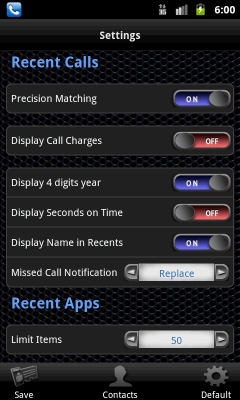
  • The Missed call notification control has two types that are "Delete" and "Replace".

  • The "Missed Call Notification" defaults is "Delete".

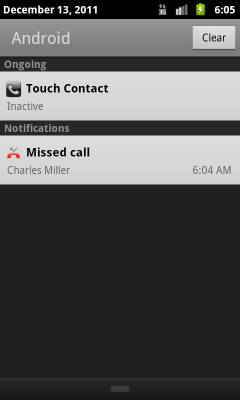
  • The Android Missed call notification is notified to Notifications bar when incoming a missed call.

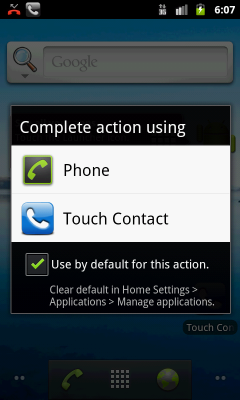
  1. The action message is displayed when tap on the Missed Call Notification.
  2. Tap on Touch Contact.

  1. The Android Missed call notification is removed.
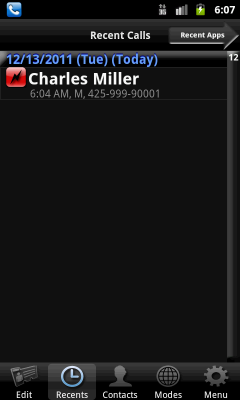
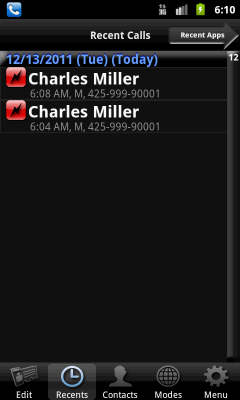
  2. The Recent Calls of Touch Contact is displayed.
The Description of "delete" settings is ends.

"Replace" describes the settings.
  1. Turn the Missed Call Notification to "Replace".
  2. Tap the Save.
  3. Tap the Contacts to back the contacts screen.

  • The Android Missed call notification is notified to Notifications bar when incoming a missed call. If Android 2.1 - 2.2, the Android Missed call notification is removed at this time.
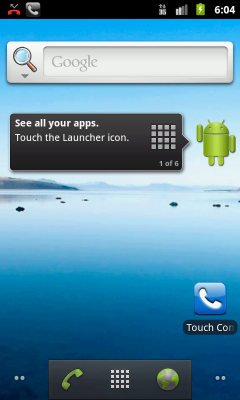
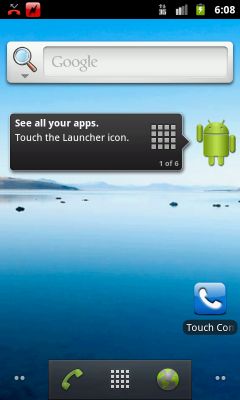
  • Touch Contact Icon become to Missed Call.
  • If you tap a Android Missed call notification, the behavior is similar with "delete" settings.

  1. If you tap a Missed call notification of Touch Contact, The Recent Calls of Touch Contact is directly displayed.
  2. The Android Missed call notification is removed.