How to change Custom Skin.
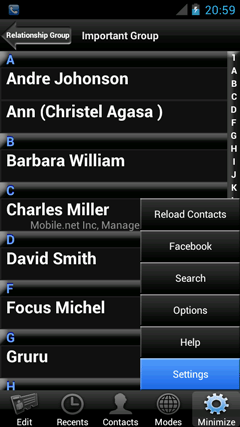
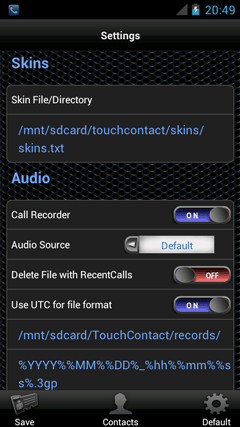
Show the Settings screen.
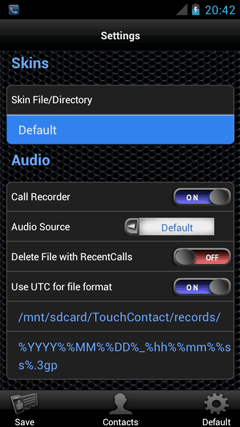
Tap the item of [Skin File/Directory].
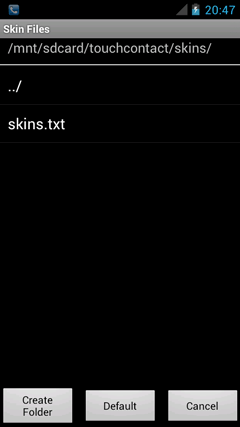
Move to your custom skins folder.
Tap your skins.txt file for custom skins.
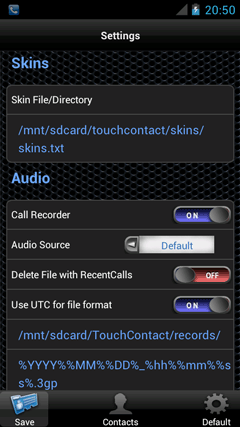
Selected skin file is displayed to [Skin File/Directory].
Tap the [Save] to save a changed parameters.
Tap the [Contacts] to back to Contacts.